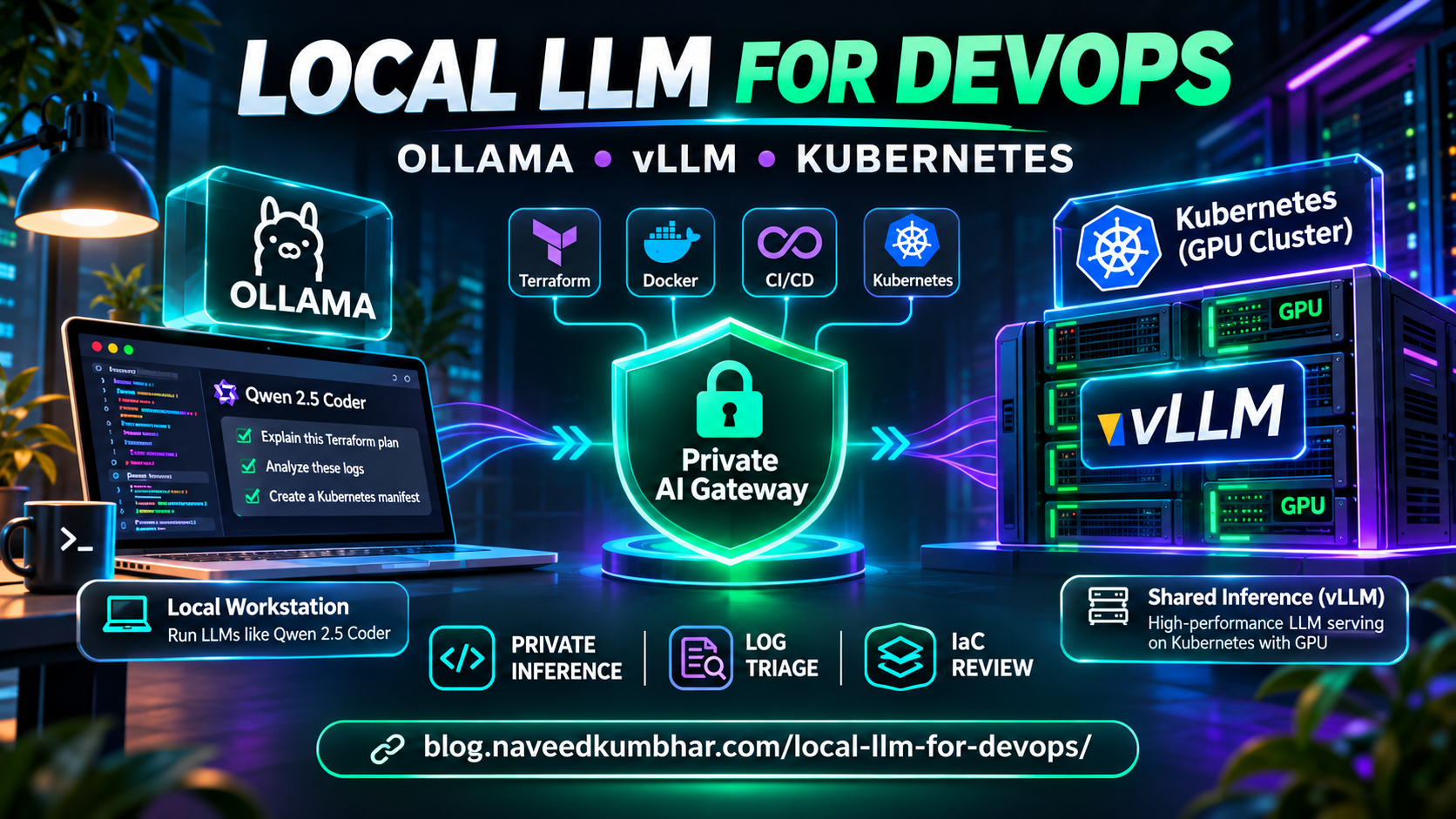
Local LLM for DevOps: Building a Private AI Assistant with Ollama and vLLM
Originally published on Naveed Ahmed's Engineering Blog.
AI assistants are increasingly useful for infrastructure work.
But DevOps teams often deal with sensitive information: internal DNS names, Terraform plans, deployment logs, service metadata, and incident timelines.
That raises a practical question.
Can you use AI for these workflows while keeping inference under your own infrastructure controls?
With local LLMs, the answer is yes.
1. Choose a Runtime
Two common approaches are Ollama and vLLM.
Ollama is convenient for a personal workstation or a small internal tool.
vLLM is designed for efficient serving and can support higher-throughput workloads on suitable GPU infrastructure.
| Requirement | Suggested starting point |
|---|---|
| Personal terminal assistant | Ollama |
| Small Docker deployment | Ollama |
| Shared GPU inference API | vLLM |
| Kubernetes-based AI service | vLLM or another suitable serving stack |
| Low-resource experimentation | Small quantized model |
The best choice depends on your hardware, model, concurrency, and operations requirements.
2. Try Ollama Locally
Run a local container:
docker run -d \
  --name ollama \
  -p 127.0.0.1:11434:11434 \
  -v ollama_data:/root/.ollama \
  ollama/ollama
Download a coding model:
docker exec ollama ollama pull qwen2.5-coder:7b
Test an inference request:
curl http://127.0.0.1:11434/api/generate \
  -d '{
    "model": "qwen2.5-coder:7b",
    "prompt": "Explain how to investigate Kubernetes CrashLoopBackOff.",
    "stream": false
  }'
This is a useful starting point for building a CLI assistant.
3. Kubernetes Troubleshooting
Suppose a Pod keeps restarting.
You would normally check events, container logs, exit codes, resource limits, and recent deployment changes.
A local model can help summarize this evidence and suggest the next diagnostic steps.
That makes incident investigation easier to organize, especially when the raw output is lengthy.
But the model can still misinterpret logs or suggest incorrect fixes.
Keep recommendations separate from actual production changes.
4. Terraform and CI/CD Reviews
A local AI assistant can also help explain:
- Terraform plan output
- Dockerfile changes
- CI/CD pipeline failures
- Kubernetes YAML
- Infrastructure pull request diffs
For IaC validation, combine the model with tools such as terraform validate, schema validators, and security scanners.
An AI explanation should complement these checks, not replace them.
5. Production Security Matters
Self-hosting provides more control over where inference runs.
It doesn't guarantee complete privacy or eliminate the risk of leaked secrets.
Protect internal inference endpoints with authentication or trusted network boundaries.
Sanitize logs, configure workload permissions, and retain only necessary telemetry.
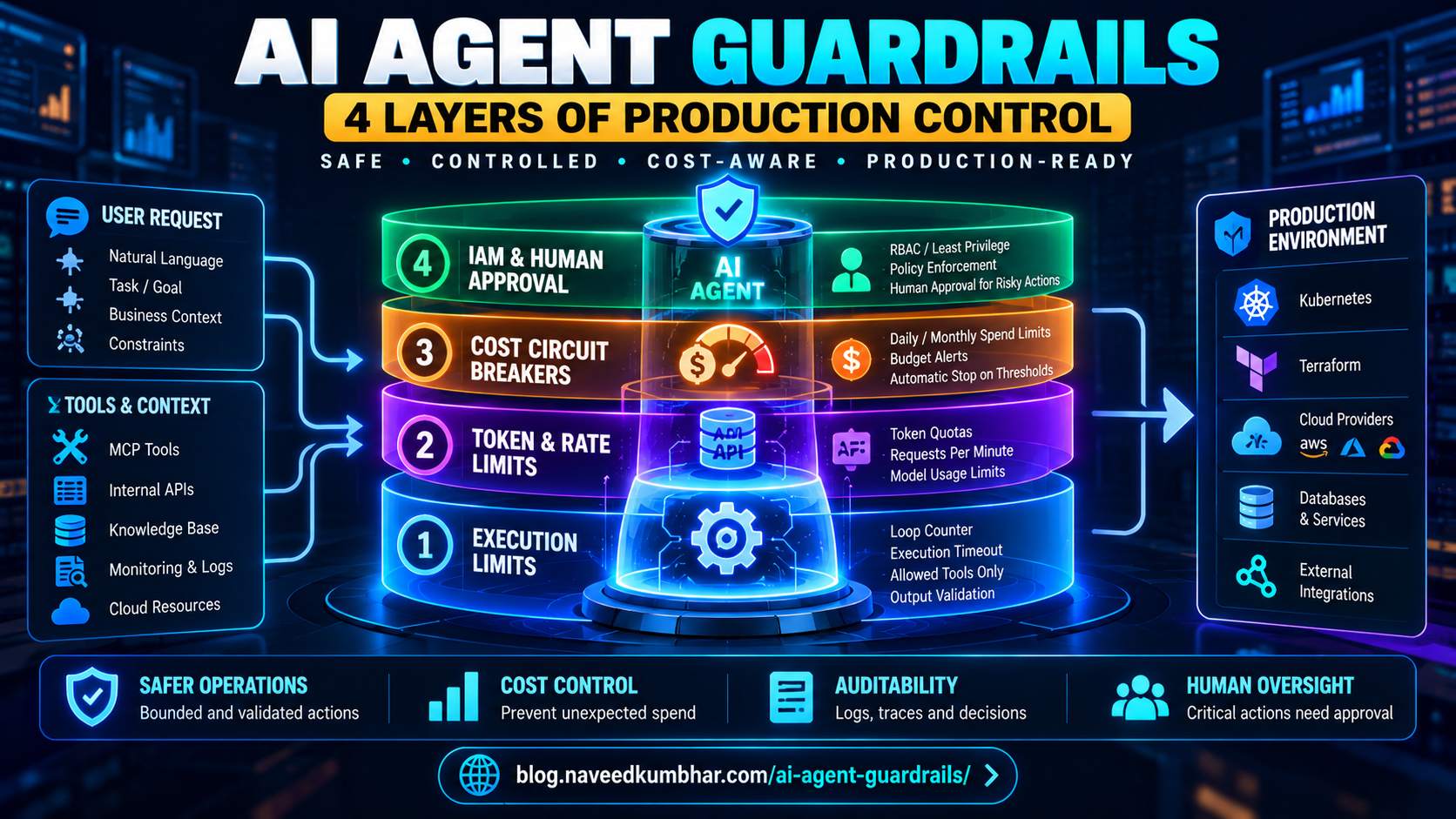
For infrastructure-changing tools, use explicit authorization and human approval.
6. Scaling with vLLM
When one workstation is no longer enough, vLLM can serve models behind a shared internal API.
A Kubernetes deployment adds considerations such as GPU resources, model storage, autoscaling, admission controls, and observability.
The important decision is whether the operational complexity is justified by your team's request volume and privacy requirements.
Read the Complete Guide
My longer tutorial includes Docker commands, a Kubernetes serving architecture, model selection, low-end hardware tips, and DevOps incident triage examples.
Read Local LLM for DevOps: Self-Hosted Architecture, Ollama & vLLM
Final Thoughts
You don't have to automate an entire infrastructure platform to benefit from local AI.
Start with a useful diagnostic task, evaluate model accuracy, and add safeguards before expanding the workflow.
What DevOps task would you give a local LLM first?
Written by Naveed Ahmed — DevOps & Platform Engineering
About the author
- Senior DevOps, Cloud & Site Reliability Engineer at DigitalOcean. I write about modern container orchestration, Linux systems, and cloud-native architecture. Explore my guides, architectures, and portfolio: • Website: https://naveedkumbhar.com • Resume: https://cv.naveedkumbhar.com • Blog: https://blog.naveedkumbhar.com • Newsletter: https://news.naveedkumbhar.com
Comments
Join the discussionNo comments yet. Be the first to comment.